- Typical documents
- Tenancy and rental agreements, inventories, guarantor forms
- Who signs
- Landlord, tenant, guarantor, agent
- Good to know
- Leases over three years are deeds
Documents people sign here
- Tenancy and rental agreements: an assured shorthold tenancy, a company let, a room let or a rental agreement for a single property.
- Inventory and check-in sign-off: the tenant confirms the inventory and the condition of the home.
- Guarantor forms: a guarantor signs separately, with their own check.
- Acknowledgements: a tenant confirms they received a document such as a how to rent guide, a safety certificate or a notice of a visit.
- Management agreements and letters of authority: between a landlord and an agent.
How InfinitDoc fits
- Add the landlord, tenant and guarantor as separate signers, each with their own boxes and their own check.
- Upload your own PDF or Word agreement, or start from a template, and place a box for each signer.
- Signers sign on a phone or computer with no account and no app.
- Each signed document comes with a certificate in UK time and UTC, and an audit trail.
- Keep each tenant and landlord in your contacts and find every agreement by searching their name.
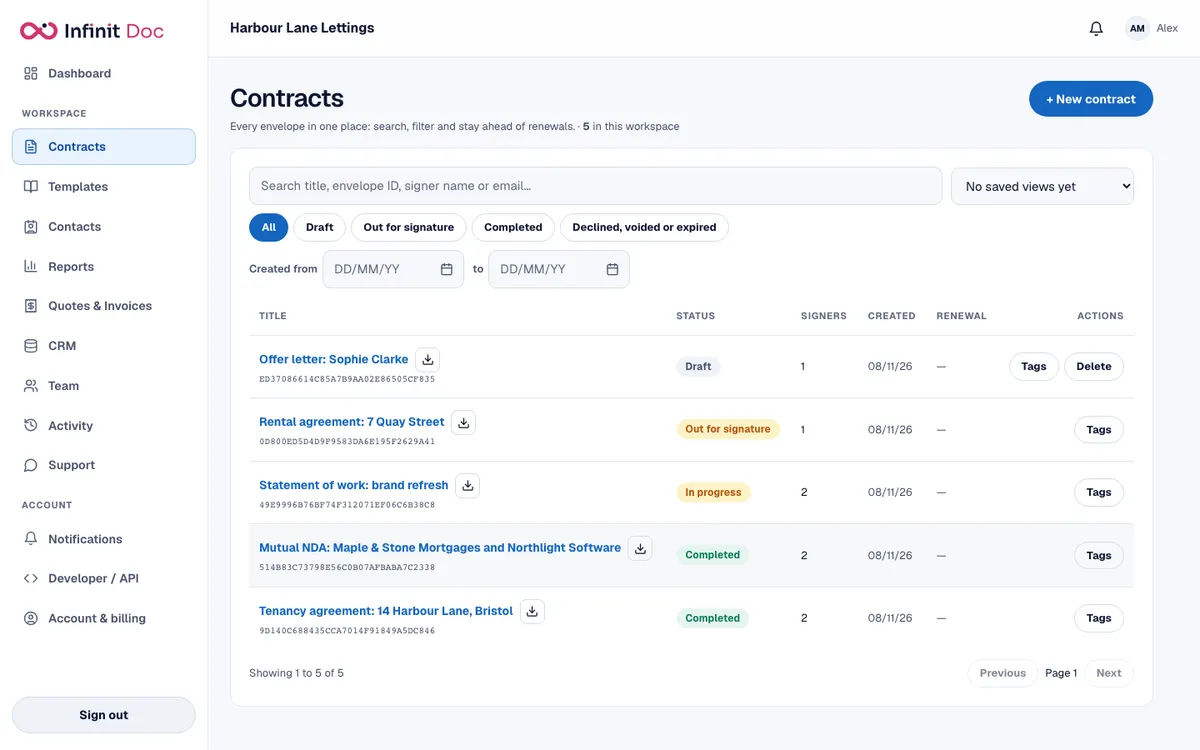
A typical workflow
- Upload your tenancy agreement or start from a template, and add the landlord, tenant and any guarantor.
- Place a signature and date box for each person, and choose a check for each.
- Send it. Everyone gets their own private link and can sign in any order, or in the order you set.
- Watch the envelope on your dashboard and send a reminder to anyone who has not signed.
- When the last person signs, everyone gets the sealed copy, and you keep the certificate with the tenancy records.
Templates to start from
Library templates: Company let, management agreement, letter of authority and option to extend a lease. There is also a tenancy template in the library. Read more in e-signatures for landlords.
Upload and save as your own templates: your standard tenancy agreement, inventory form, guarantor deed or agreement, house rules and check-in confirmation.
Verifying who signs
Choose a check for each signer. Which ones you can use depends on your plan and on what is switched on for the server.
- Access code: a code you give the signer separately, for example by phone, which they type before they can open the document.
- One time code by email: a code sent to the signer's email address when they open the link.
- Phone verification by text message (SMS): a code sent to the signer's mobile phone, from the Starter plan, which includes 50 text messages a month.
- Password: a password you set on the document and share by a different route from the link.