InfinitDoc

Features: CRM

A small CRM for your clients and contracts

Keep the people you work with next to the contracts you send them. Contacts are saved for you, lists hold the fields you choose, and any client's contracts are one search away.

Start free See pricing

Updated

Contacts
Saved from every envelope, or added by hand
Lists
Clients and Leads to start, or your own with your own fields
Contracts
Search by title, envelope ID, signer name or email

Contacts that fill themselves in

Everyone you send an envelope to is remembered in your contacts, with their email, phone and company if you gave them, how many times you have used them and when. They are suggested the next time you add a recipient. You can also add, edit and remove contacts by hand, and search by name, email or company.
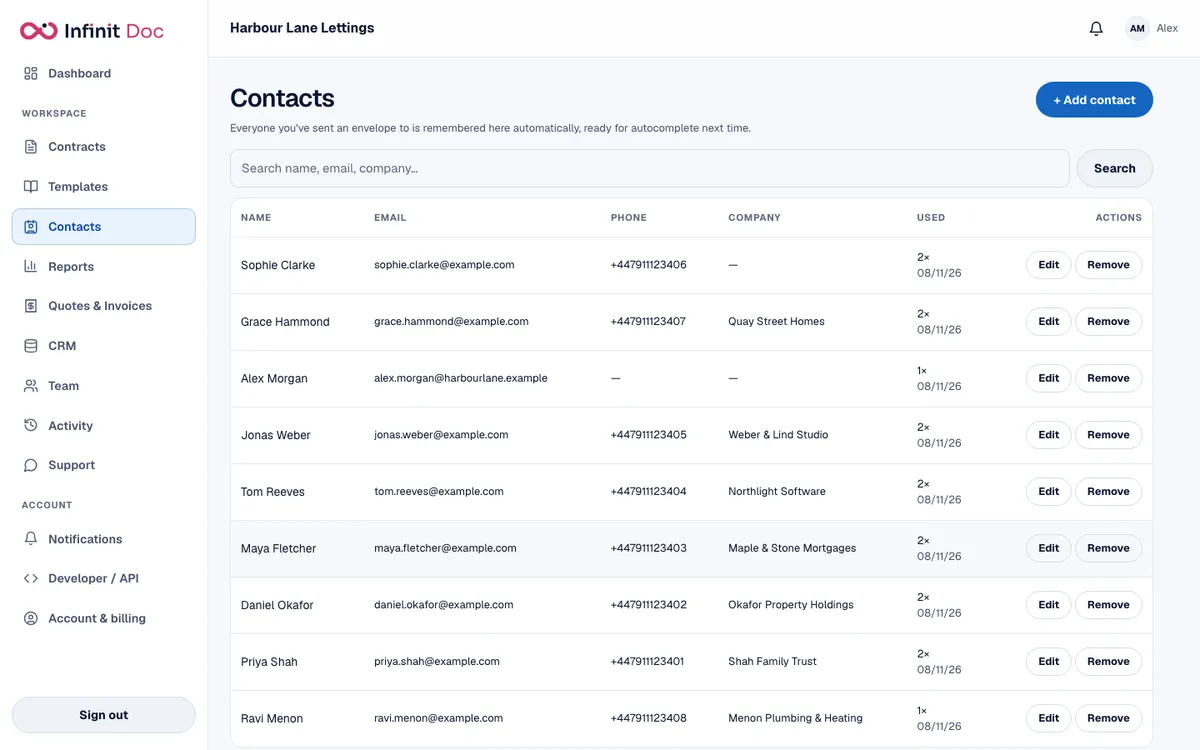
The Contacts screen with eight people, their email addresses, phone numbers, companies and how often each has been used.
Contacts, saved automatically from the envelopes you send (demo data).

Clients and Leads lists

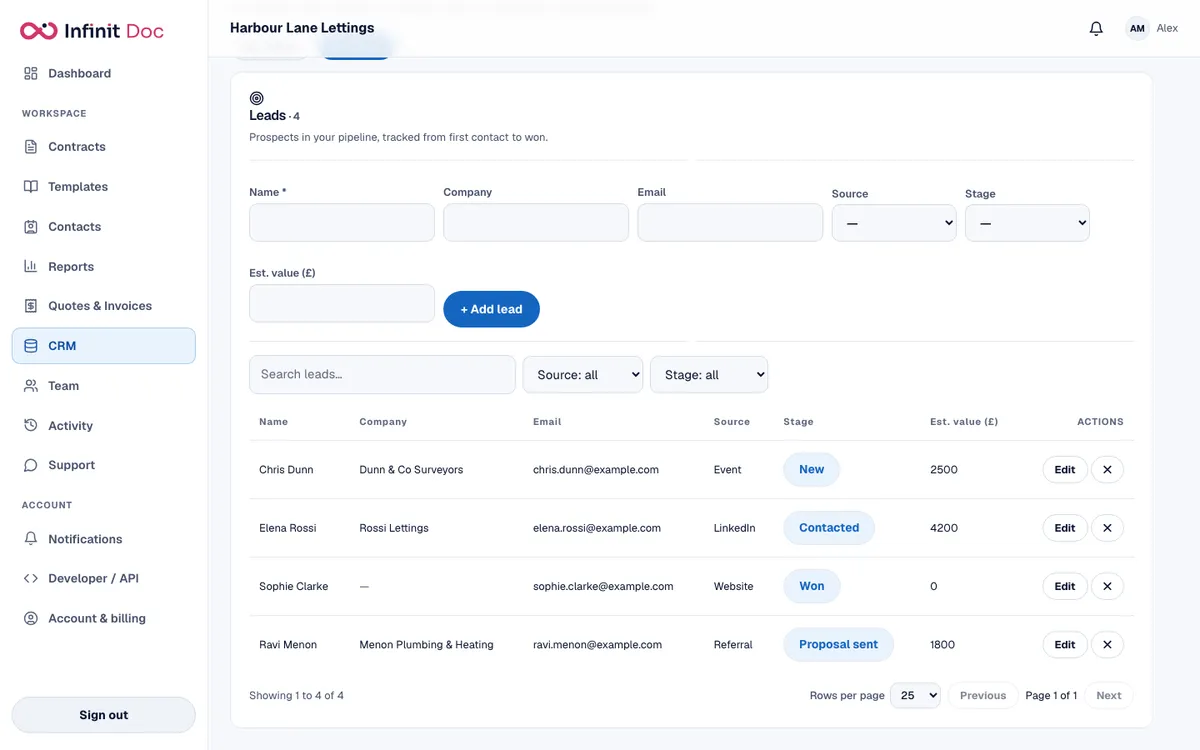
The CRM page starts with two lists. Clients holds the businesses and people you send contracts and invoices to, with contact name, company, email, phone, status (Active, Prospect or Inactive) and VAT number. Leads tracks prospects from New to Won, with source and estimated value. Both can be searched and filtered.
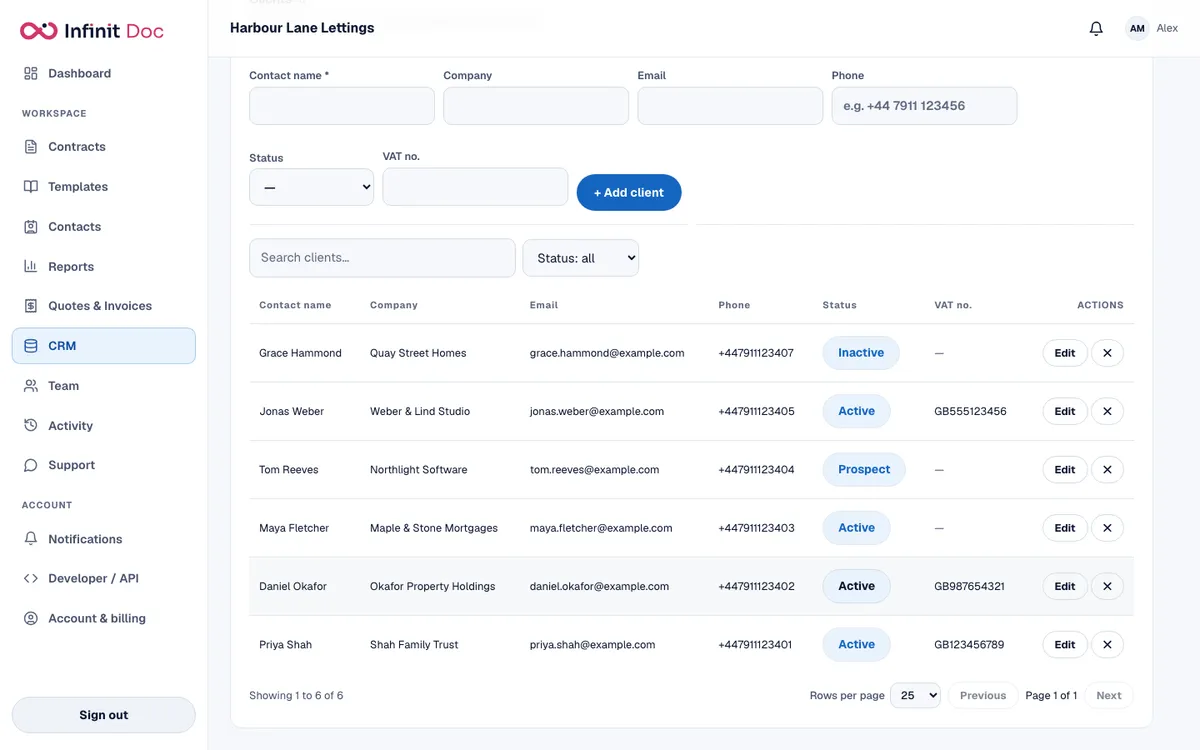
A Clients list showing contact name, company, email, phone, status labels and VAT number for six clients.
A Clients list with status labels.
A Leads list showing name, company, email, source, stage labels such as Contacted, Won and Proposal sent, and estimated value.
A Leads list with stages and estimated values.

Build your own lists

Make a list for anything you track, such as Properties, Suppliers or Candidates, and choose its fields: text, long text, number, yes or no, date, a choice from your own options, or email. Mark a field as required so a record cannot be saved without it.

Find every contract for a client

The Contracts list searches by title, envelope ID, signer name and signer email, so everything you have sent a client is one search away, with its status. Quotes and invoices have their own list with the client's name on each.
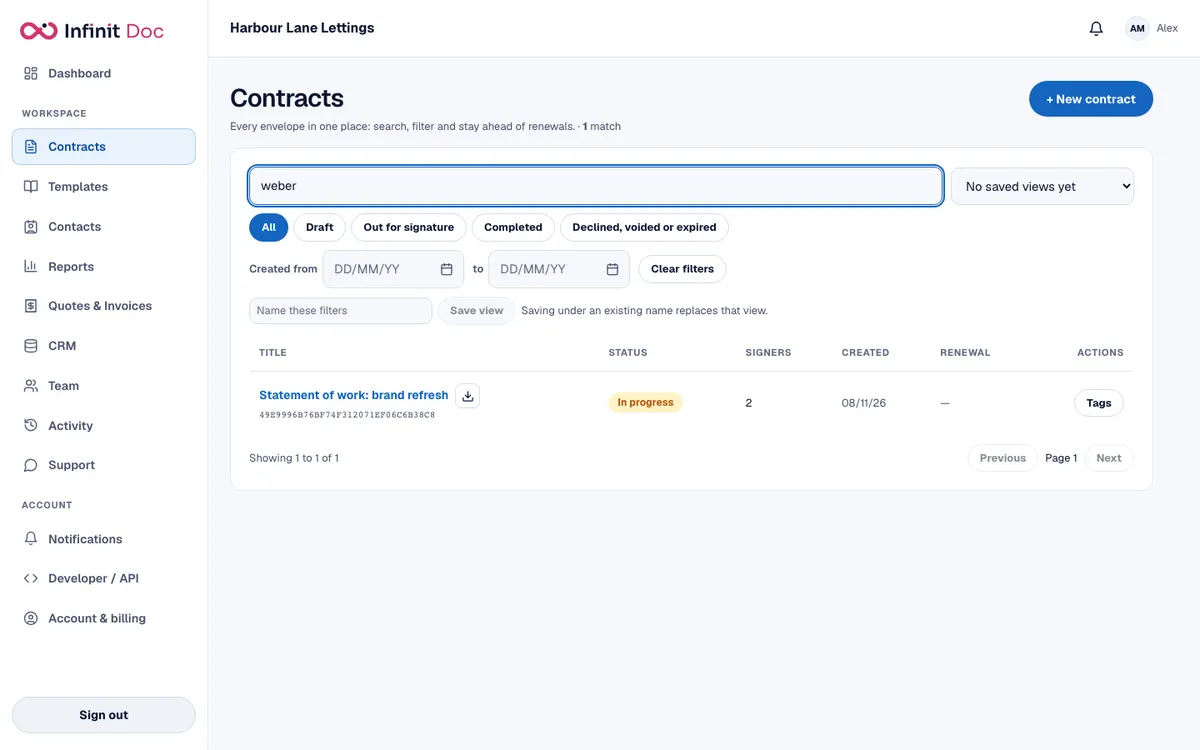
The Contracts list filtered by a client name, showing the single matching contract and its status.
Search a client's name to see their contracts and where each one stands.

Switch it on, and control who can use it

The CRM lists are hidden from the menu until an owner or admin switches them on in Account. Records follow the same access levels as the rest of the workspace: a View only member can read the lists but not change them.

Questions and answers

Is this a full CRM?
No. It is a small CRM for a contracts business: contacts, lists with your own fields, and search across contracts. It does not run sales pipelines or send campaigns.
Do contacts need typing in?
No. People you send envelopes to are saved automatically. You can also add and edit them by hand.
Can I see all contracts for one client?
Yes, by searching their name or email on the Contracts list. A dedicated page per client is not built yet.
Can I export my records?
Yes. You can download an export of the whole workspace, and the API can read and write records.

Keep clients and contracts together

Send your first envelope and your contacts start to fill themselves in.

Start free See pricing